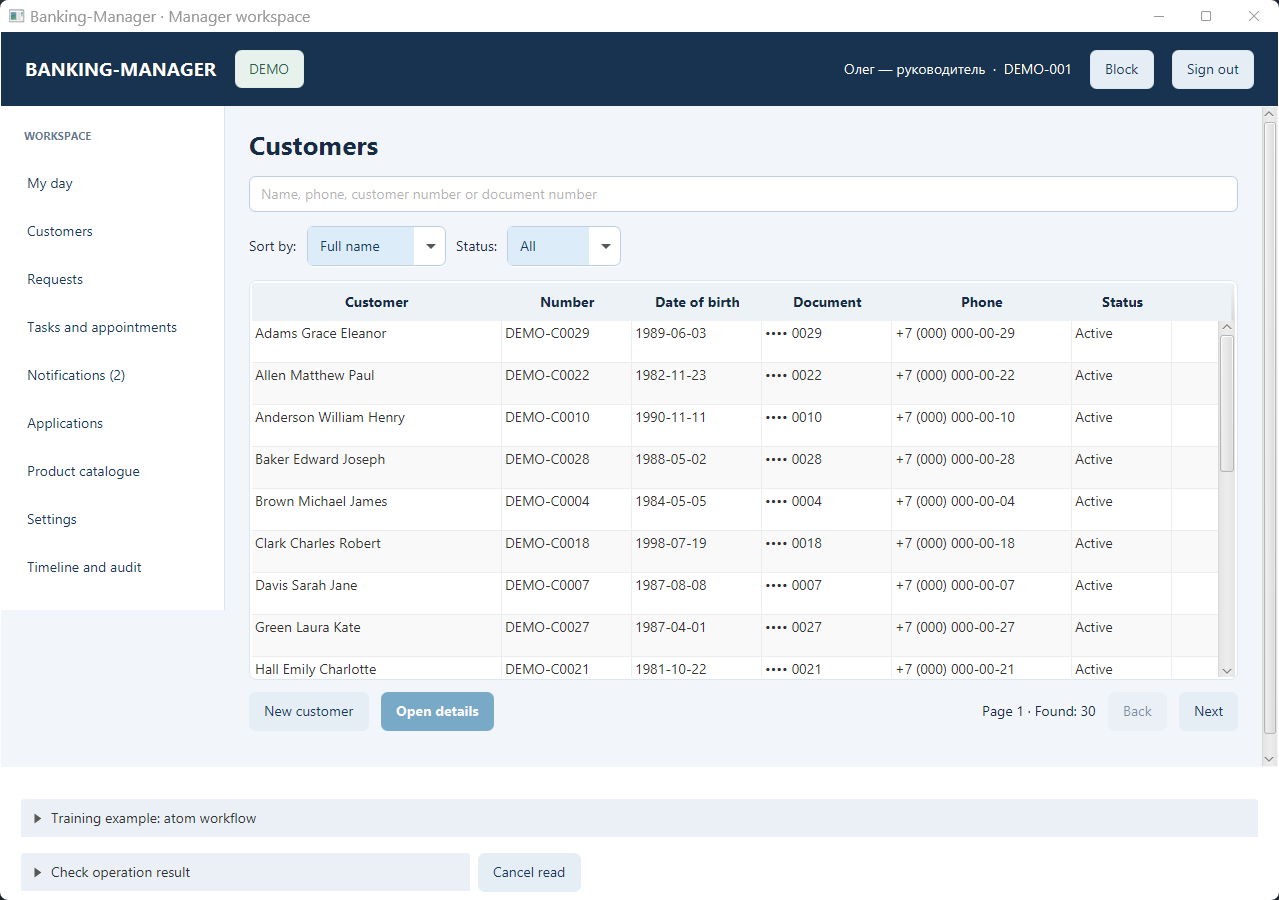
Business application
Banking Manager
11 hours
Autonomous development by one developer. Human involvement: approving permission requests.
- Logic atoms
- 258
- Java classes
- 827
- Lines of code
- ~83,000
- Tests
- 1,312
Combine AI-assisted development with the Invariant Pattern to build predictable, robust, extendable, and easily testable client applications.
Estimated acceleration. See the banking case and comparison basis.
Built with UCAGEN
A banking workspace and a vector editor, created through autonomous development. Explore the applications and the reported results.
Business application
11 hours
Autonomous development by one developer. Human involvement: approving permission requests.
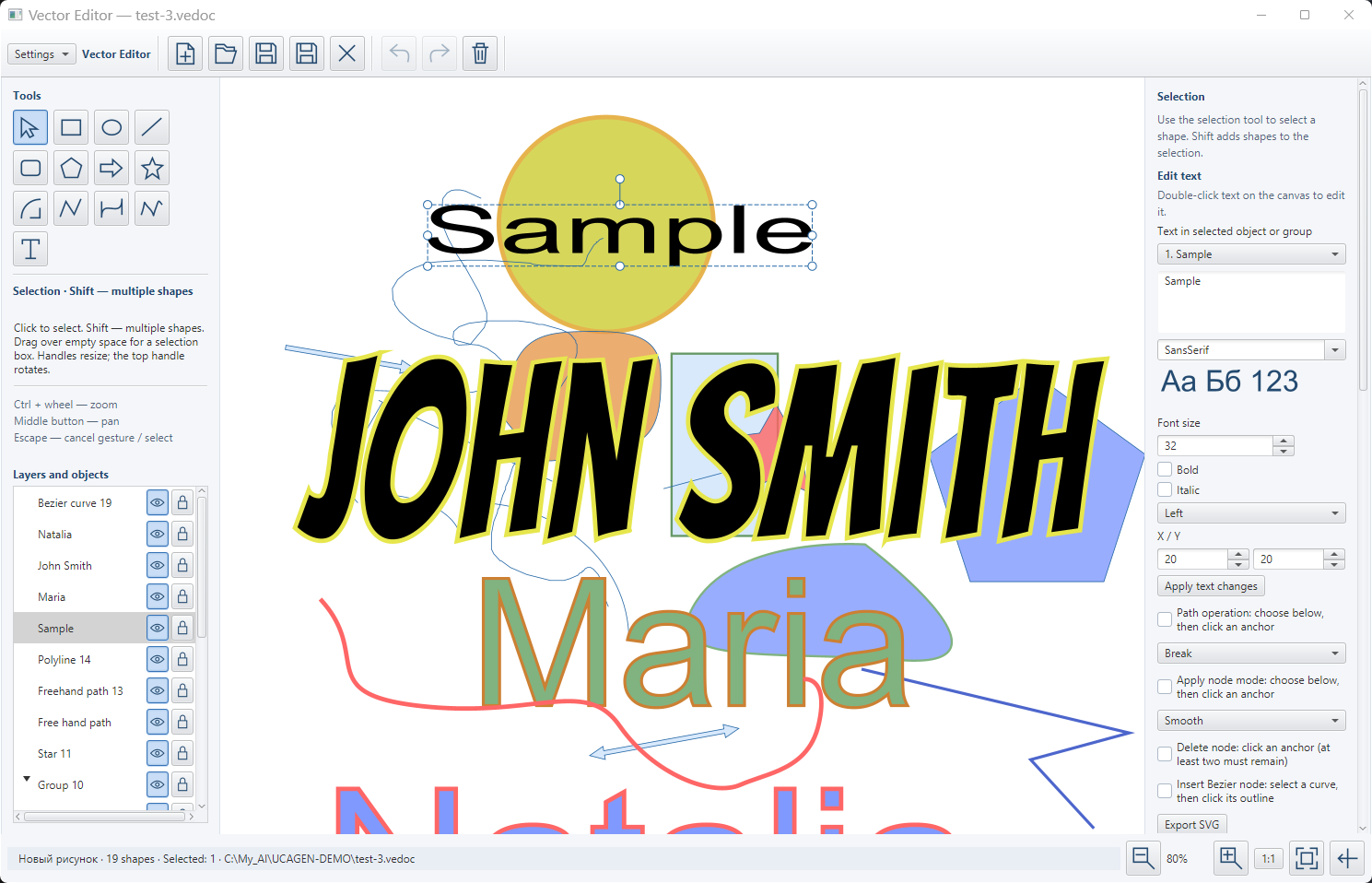
Creative application
6 hours
Continuous work on an application with drawing tools, text editing, and layers.
Results reported by the creator. Each case explains the application scope and available measurements.
UCAGEN combines AI-assisted development with deterministic architecture. Clarify your requirements, define the specification, and generate a predictable, testable application skeleton using the Invariant Pattern. Then use AI to implement business logic and refine the UI for web, desktop, and mobile.
Start new projects, modernize existing applications, and reduce repetitive code. Consistent naming, contracts, and project structure help developers navigate the code, review changes, and extend applications with less effort.
Three complementary stages. One consistent foundation for your application.
Explore requirements, clarify user journeys, and identify constraints with AI assistance.
Clear requirements → your reviewed specification
Generate the application skeleton from your atoms, views, and target platforms using the Invariant Pattern.
Your specification → deterministic architecture
Fill business logic and validation slots, refine UI components, and write tests with AI assistance.
Generated skeleton → implemented features
You guide and review each stage. UCAGEN generates the structure; the client's AI assistant supports project discussion and skeleton post-processing.
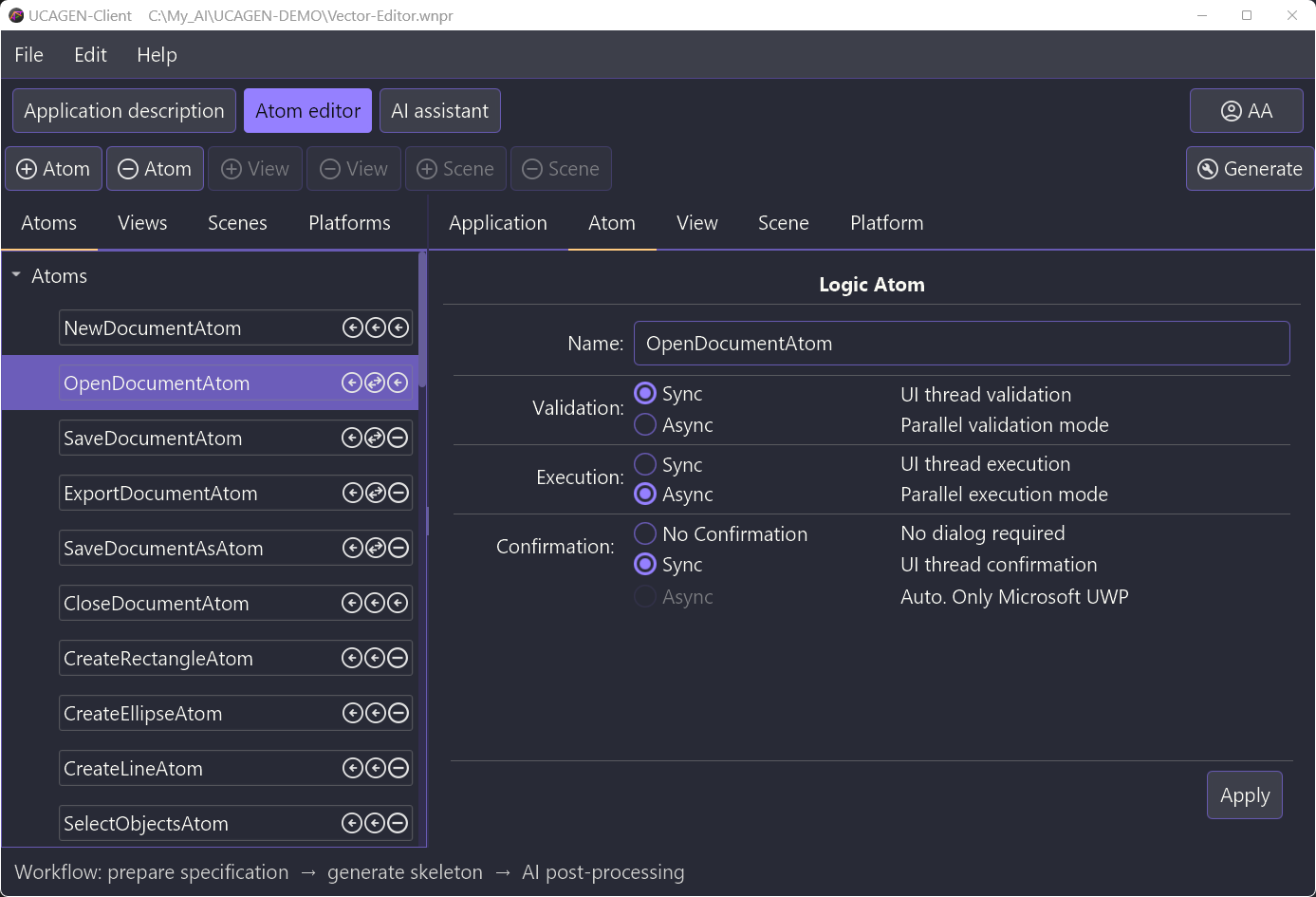
Implements a deterministic architectural pattern for client applications, consistent across all UI platforms and programming languages.
Automatically generates SOLID-based architecture with OOP abstractions, providing a clean, maintainable project skeleton for each platform.
Enforces a single coherent approach to project structure and code templates, ensuring uniform design practices across teams and stacks.
Sign up to be notified when UCAGEN is officially launched.
CreateProductAtom, UpdateProductAtom, DeleteProductAtom, and ListProductsAtom.CreateProductAtom to a “Create” button,
or ListProductsAtom to the initialization of a product table.Hover over a walkthrough, or touch and hold it, to see each step in action.


